
Capture all the right information
Accurately document incident items and easily attach any other information specific to the event, such as a police report, if needed.
Generate an OSHA 300 log in seconds
Click a button to instantly generate an OSHA 300 log with information from all incidents that your safety manager marked as recordable.
See what HCSS can do for you
Schedule a demo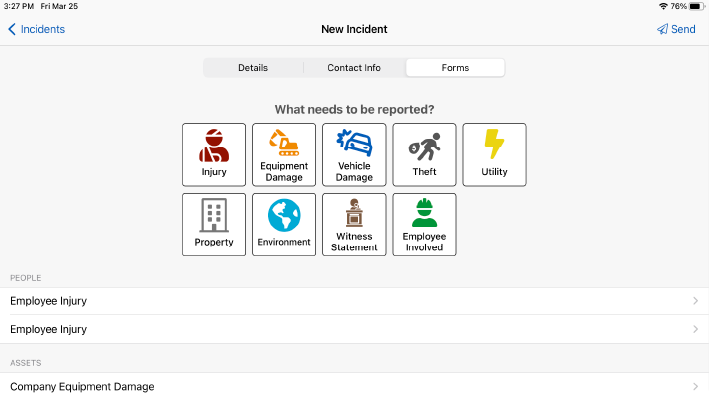
Ask our customers why they trust HeavyJob Safety to document and track all incident items





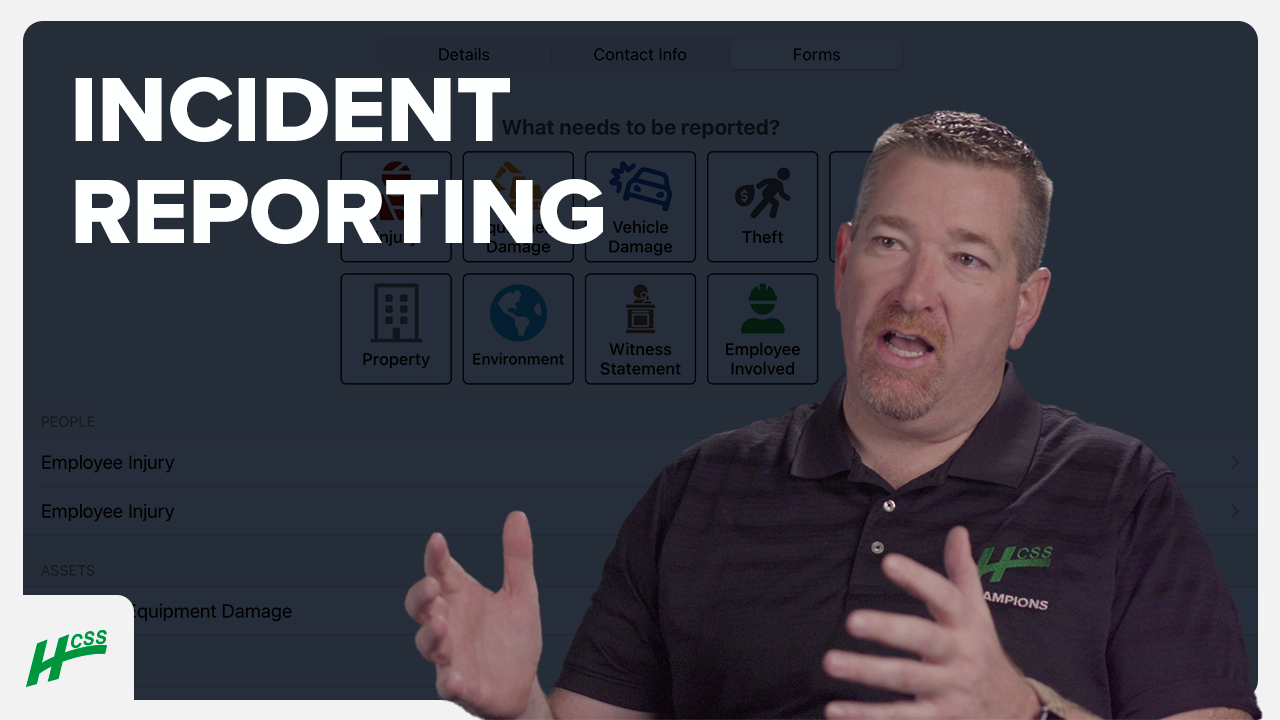
Since using HCSS, our EMR has dropped.
- Chris Albright, KE&G Construction

HCSS gives us the tools to check for project risks.
- Tricia Kagerer, Jordan Foster Construction
96%
lower reportable incident rate for HeavyJob Safety users than the industry average
1.5 million
inspections completed in 2024
9.0/10
average user rating
Protect your people and your productivity
Step 1
Share your business headaches
After submitting a demo request form, an HCSS expert will follow up with you by the end of the next business day to discuss your business needs and requirements.
Step 2
See HCSS in action
Then, we’ll walk you through a demo tailored to specific HCSS solutions that can help solve your current business problems.
Step 3
Get up and running in days
Finally, you’ll be assigned a dedicated implementation specialist who will manage your implementation from start to finish and ensure project completion.
Frequently asked questions
What is incident reporting software in construction?
Incident reporting software is used to document and manage jobsite accidents, injuries, and property damage. Unlike paper forms, which can be inconsistent or lost, software like HeavyJob Safety ensures that every incident is recorded with a standardized, time-stamped digital trail. This provides a single source of truth for legal defense, insurance claims, and internal safety improvements.
What types of construction incidents should be documented?
A robust safety program requires documentation of every unsafe event on the jobsite. This includes:
- Personnel Incidents: First aid cases, recordable injuries, and illnesses.
- Property & Equipment Damage: Strikes to utility lines, vehicle collisions, or structural damage.
- Environmental Spills: Accidental releases of fuel, hydraulic fluid, or chemicals.
- General Liability: Third-party incidents involving the public or subcontractors..
Can incident reports be completed from a mobile device at the job site?
Yes. For incident reporting to be accurate, data must be captured immediately while details are fresh. HeavyJob Safety is built with a field-first philosophy, allowing foremen to initiate and complete an incident report on a tablet or smartphone directly from the jobsite. The mobile app guides the user through the necessary fields, ensuring that critical data isn’t missed even in a high-stress situation.
How does the software help with regulatory reporting and compliance?
HeavyJob Safety automates the most tedious parts of regulatory compliance. By capturing data in standardized formats, the software ensures you are collecting all information required for OSHA, MSHA, or DOT reporting. This significantly reduces the administrative burden on safety directors and minimizes the risk of fines resulting from incomplete or late filings. Furthermore, the software maintains a permanent history, making it easy to produce records during an unannounced safety audit.
Can incident reports include photos, witness statements, and attachments?
Absolutely. Digital incident reports provide a level of evidence that paper simply cannot match. Users can attach GPS-tagged photos of the site, record voice-to-text witness statements, and upload scans of medical releases or equipment maintenance records. This multimedia documentation creates an indisputable record of the site conditions and the events that unfolded, which is invaluable for insurance adjusters and legal teams.
Does the software support OSHA 300/300A and other required incident logs?
Yes. One of the primary advantages of HeavyJob Safety is its ability to automatically generate OSHA 300, 300A, and 301 logs. Because the data is already captured in the incident reports, these federal forms can be populated with a single click. This reduces the administrative burden at the end of the year, ensuring your company remains compliant with the Electronic Submission of Injury and Illness Records (ITA) requirements.
Didn’t get all of your questions answered?
Request info